Veo Omni AI Video GeneratorCreate With Gemini Omni
Turn ideas and images into AI videos with Veo Omni.
Veo Omni on VEOe AI is built for creators who want a simple way to test the next wave of Gemini Omni video creation. Start with text to video, upload an image to video, write a prompt, and generate a short AI video for social posts, product ideas, cinematic tests, tutorials, ads, and creative experiments. Veo Omni helps you explore Gemini Omni style workflows with a clean interface, flexible prompts, and an Omni video generator free entry path.
Veo Omni For Text To Video And Image To Video
Use Veo Omni to transform prompts, photos, products, scenes, and story ideas into short AI videos.
Veo Omni brings the Gemini Omni video concept into a practical creation page for everyday users. Whether you need a quick product clip, a vertical social video, a character scene, a cinematic concept, or a remix-style video idea, Veo Omni keeps the process simple: choose text to video or image to video, describe the result, and click generate. The Omni video generator free workflow is designed for fast testing before you refine your final video.
How To Use Veo Omni On VEOe AI
Veo Omni is designed around a direct workflow. You do not need timeline editing skills or complicated software. Use the Omni video generator free path to test a concept, then refine your prompt for stronger motion, camera style, lighting, and scene detail.

Choose Text To Video Or Image To Video
Open the Veo Omni page and select your starting mode. Use text to video when you only have an idea. Use image to video when you want Veo Omni to animate a reference photo, product image, portrait, character, or visual concept in a Gemini Omni inspired workflow.

Write A Clear Video Prompt
Describe the subject, action, camera movement, mood, lighting, duration, and style. Veo Omni works better when your prompt is specific. For the Omni video generator free test, start with one focused scene before adding complex edits or multi-shot details.

Generate And Refine
Click generate and preview your AI video. If the first Veo Omni result needs stronger motion, better framing, or a different style, update the prompt and generate again. This makes Gemini Omni style video creation faster for creators, marketers, and social teams.
Why Creators Use Veo Omni For Gemini Omni Video Ideas
Veo Omni is made for fast AI video ideation. The page focuses on prompt-based creation, image animation, and practical use cases inspired by the reported Gemini Omni direction: simpler video generation, easier video remixing, and template-like creative starts. With an Omni video generator free entry, users can test ideas before committing to polished production.
Create Short Videos From Text Prompts
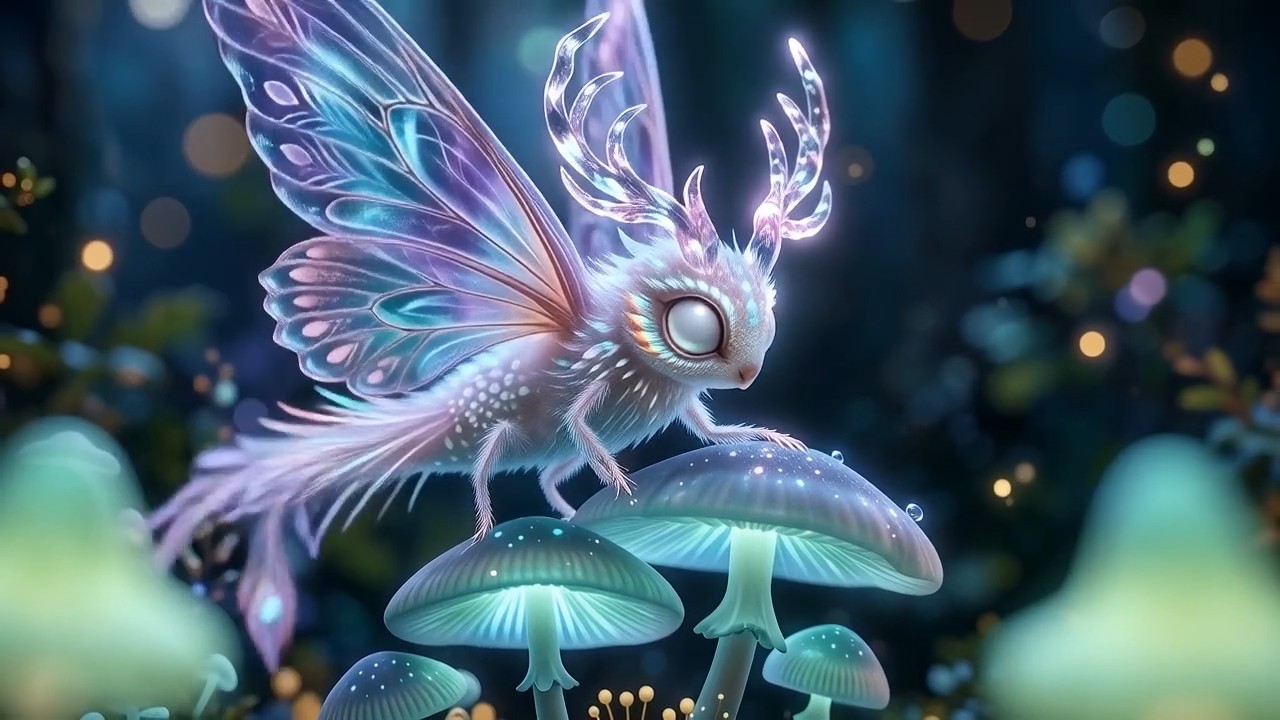
Veo Omni turns a written idea into a short AI video. Describe a product reveal, a travel moment, a fantasy scene, a sports shot, or a cinematic ad concept, then generate. This makes Veo Omni useful for rapid content planning, especially when you want to test Gemini Omni style prompt understanding without building a full video from scratch.

Animate Images Into AI Video Clips
Upload a still image and use Veo Omni image to video to add motion, atmosphere, camera movement, and scene energy. This Gemini Omni inspired workflow is useful for product photos, portraits, AI characters, thumbnails, posters, and campaign visuals. The Omni video generator free path helps you see whether the image can become a stronger video asset.
Explore Conversational-Style Video Iteration
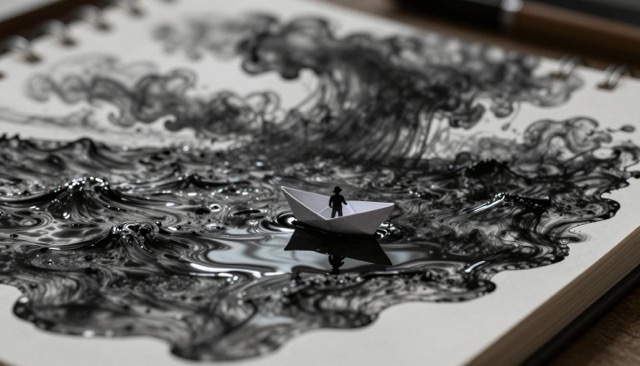
Veo Omni is written for creators who want a more natural video workflow. Instead of learning advanced editing software first, you can describe changes in plain language: make the scene brighter, add slow camera push-in, change the background, or make the action more dramatic. This reflects the Gemini Omni expectation of faster editing and easier creative iteration.
Build Social, Product, Tutorial, And Ad Videos
Veo Omni fits high-volume creative work. Use Veo Omni for vertical social clips, app demos, product explainers, tutorial intros, visual hooks, short ads, and concept videos. Gemini Omni has attracted attention because creators expect stronger prompt control and more flexible video editing. The Omni video generator free option helps teams test more ideas with less friction.
Veo Omni Use Cases
Explore how Veo Omni can support different video workflows. Each use case is designed for creators who want Gemini Omni inspired generation, prompt control, and an Omni video generator free starting point.
Veo Omni For Social Media Video
Use Veo Omni to create fast vertical clips for TikTok, Reels, Shorts, X, and product teasers. Start with a visual hook, describe motion and camera style, then generate. Veo Omni helps creators test multiple Gemini Omni style concepts before choosing the strongest short-form video.
Hook First
Create attention-grabbing openings with clear subject movement.
Vertical Ready
Plan 9:16 content for feeds, ads, and creator posts.
Fast Testing
Use Omni video generator free trials to compare concepts quickly.
What Users Say About Veo Omni
These testimonial-style examples show how different creators may describe the Veo Omni workflow after using Gemini Omni inspired video generation on VEOe AI.
I used Veo Omni to turn a product image into a short launch clip. The process felt direct: upload, describe the camera move, and generate. For quick campaign testing, Veo Omni saved me from building a full edit before knowing the idea worked.
Veo Omni helped me test three social video ideas in one session. I liked that the Omni video generator free workflow made it easy to compare hooks before writing a longer script. Gemini Omni style prompting feels useful for fast creator planning.
I tried Veo Omni for image to video because I had static character art. The result gave me motion, atmosphere, and a stronger visual direction. It felt like a practical way to explore Gemini Omni without overcomplicating the workflow.
For client storyboards, Veo Omni is useful because I can show motion instead of only describing a scene. The Omni video generator free entry is good for early drafts, and Veo Omni makes prompt iteration feel less intimidating.
I used Veo Omni for a tutorial intro. The prompt controls helped me explain the scene clearly, and the Gemini Omni inspired workflow made revision simple. I could adjust pacing and camera direction before exporting the final idea.
Veo Omni gave our team a faster way to test ad concepts. We used text to video for mood, then image to video for product shots. The Omni video generator free test helped us decide which Gemini Omni style direction deserved more budget.






Veo Omni FAQ
Learn how Veo Omni works, what Gemini Omni means for AI video, and how to start with an Omni video generator free workflow.
Veo Omni is the VEOe AI video page for creating AI videos with a Gemini Omni inspired workflow. You can use text to video or image to video, write a prompt, and generate short video clips for social, product, tutorial, ad, and creative use cases.
Gemini Omni is described in recent reports and leaks as a Google AI video direction connected to Gemini, with attention around prompt-based generation, video remixing, and more natural editing. Veo Omni presents this concept as a creator-friendly video workflow on VEOe AI.
Yes. The Omni video generator free entry point is designed for quick testing. You can start a Veo Omni video, try a prompt, preview the result, and refine the idea before creating more polished content.
Yes. Choose text to video, describe your scene, motion, camera, lighting, and style, then click generate. Veo Omni is especially useful for testing Gemini Omni style concepts from a written prompt.
Yes. Upload a reference image, add a prompt, and use Veo Omni to animate the image into a short AI video. This works well for portraits, product images, character art, posters, and campaign visuals.
Veo Omni is useful for creators, marketers, sellers, educators, designers, and teams that need fast video drafts. The Gemini Omni inspired workflow and Omni video generator free option make it easier to test ideas before full production.
Start Creating With Veo Omni
Turn your idea or image into an AI video with Veo Omni. Try text to video, image to video, and Gemini Omni inspired prompt generation through an Omni video generator free workflow on VEOe AI.